

My Al Huda Portal
To access your Student / Guardian / Teacher Portal, please use the link below:
Supporting Videos
Video 1 - Course Registration Form Filling
Video 2 - Logging and Paying Invoices
Video 3 - Switching School Period
Reporting Student Absences
All student absences must now be reported through the Al Huda Portal.
How to Report an Absence
- Log in to the Al Huda Portal.
- Click on the student name for whom you wish to report an absence.
- Select Schedule.
-
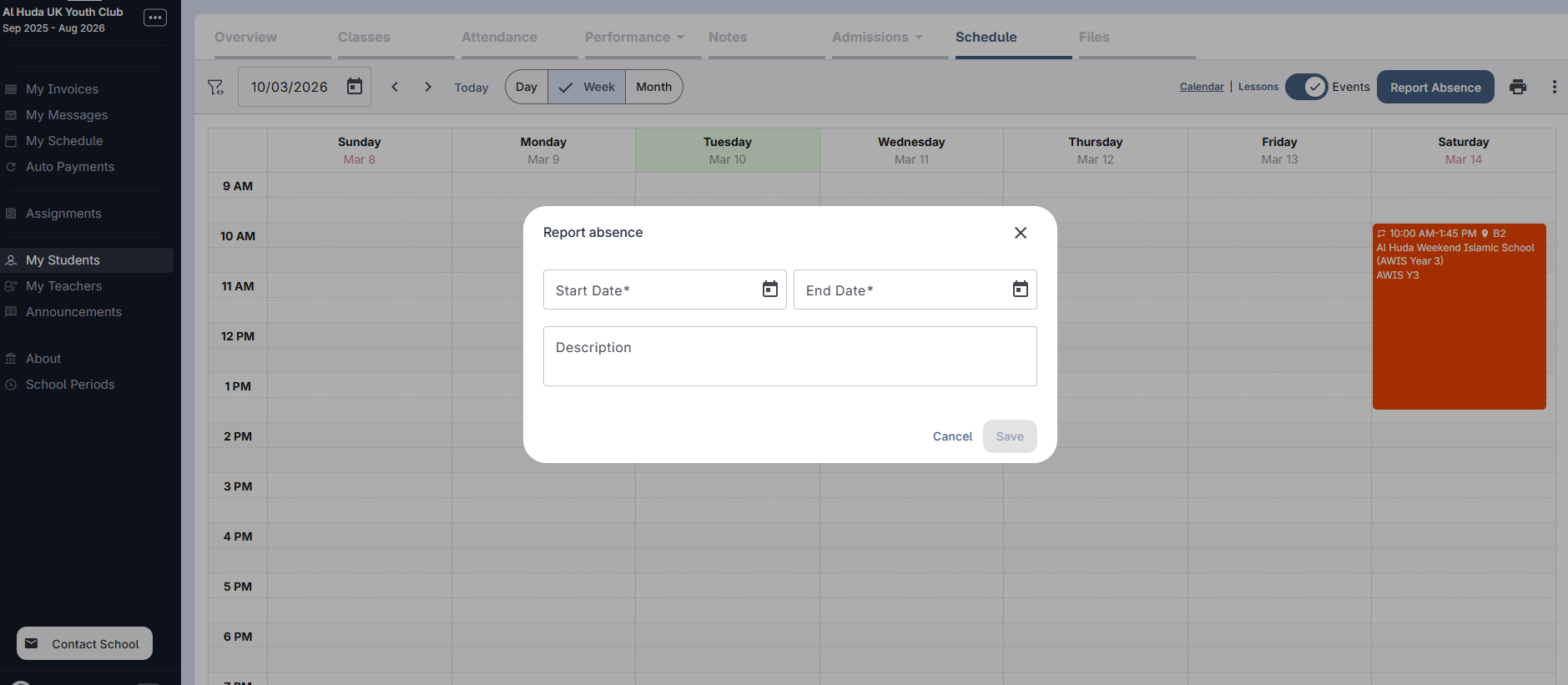
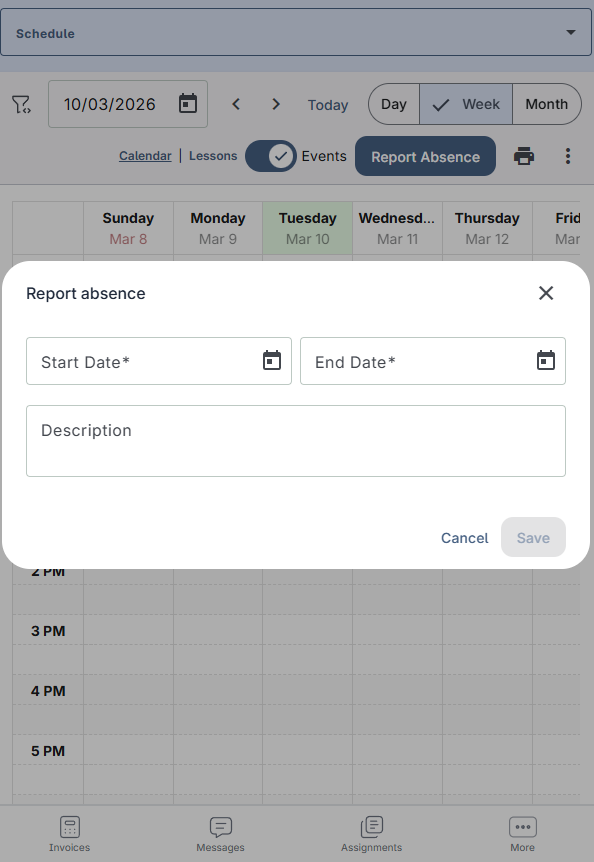
At the top of the page, click on Report Absence.
If you are using a mobile phone, you may need to rotate your screen to see this option. - Select the Start Date and End Date of the absence.
- In the Description box, enter the reason for the absence.
- Click Save to submit the absence.
Desktop View
Mobile View
Please note:
Absences no longer need to be emailed to Head Teachers. Please report all absences through the Al Huda Portal.
Any absence that has not been reported through the portal will be recorded as an uninformed absence.
Absences no longer need to be emailed to Head Teachers. Please report all absences through the Al Huda Portal.
Any absence that has not been reported through the portal will be recorded as an uninformed absence.
If you experience any difficulties using the portal, please contact us for support.
Supporting Document
View the PDF guide below: